AimMac app icon

Your lap data.
And the video that goes with it.

Download sessions straight off your AiM logger, analyze them against your footage, and turn a lap into a finished video — natively on your Mac.

Download AimMac Version 1.4.1 · Free · macOS 15 or later · Notarized by Apple
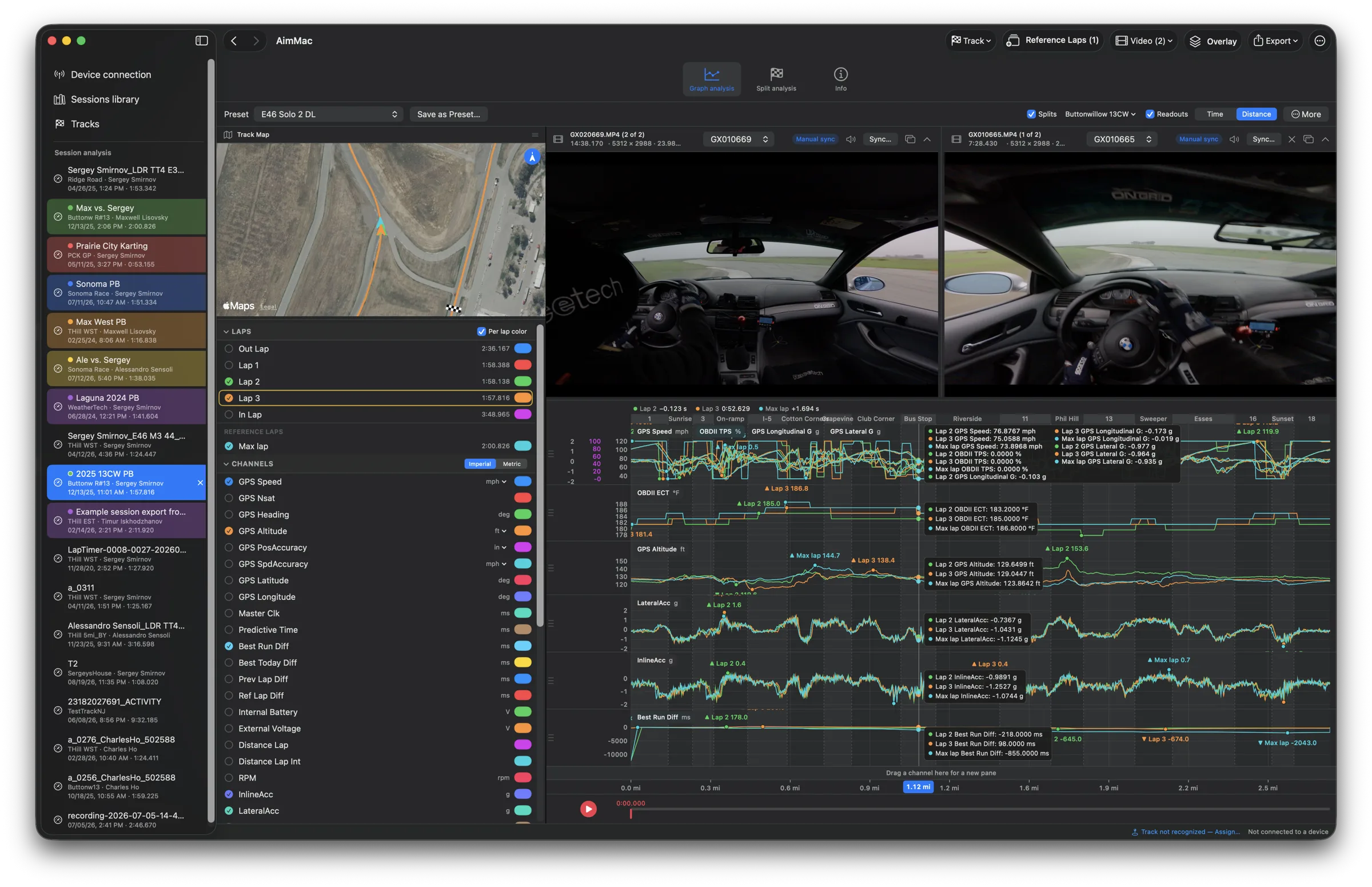
AimMac's graph analysis with two synced in-car camera angles above the channel graphs, a satellite track map, and a reference lap overlaid on speed, throttle, altitude, coolant temperature, and G-force

Find the time. See where it went.

Every channel your logger records, laid over every lap you want to compare.

Graph analysis

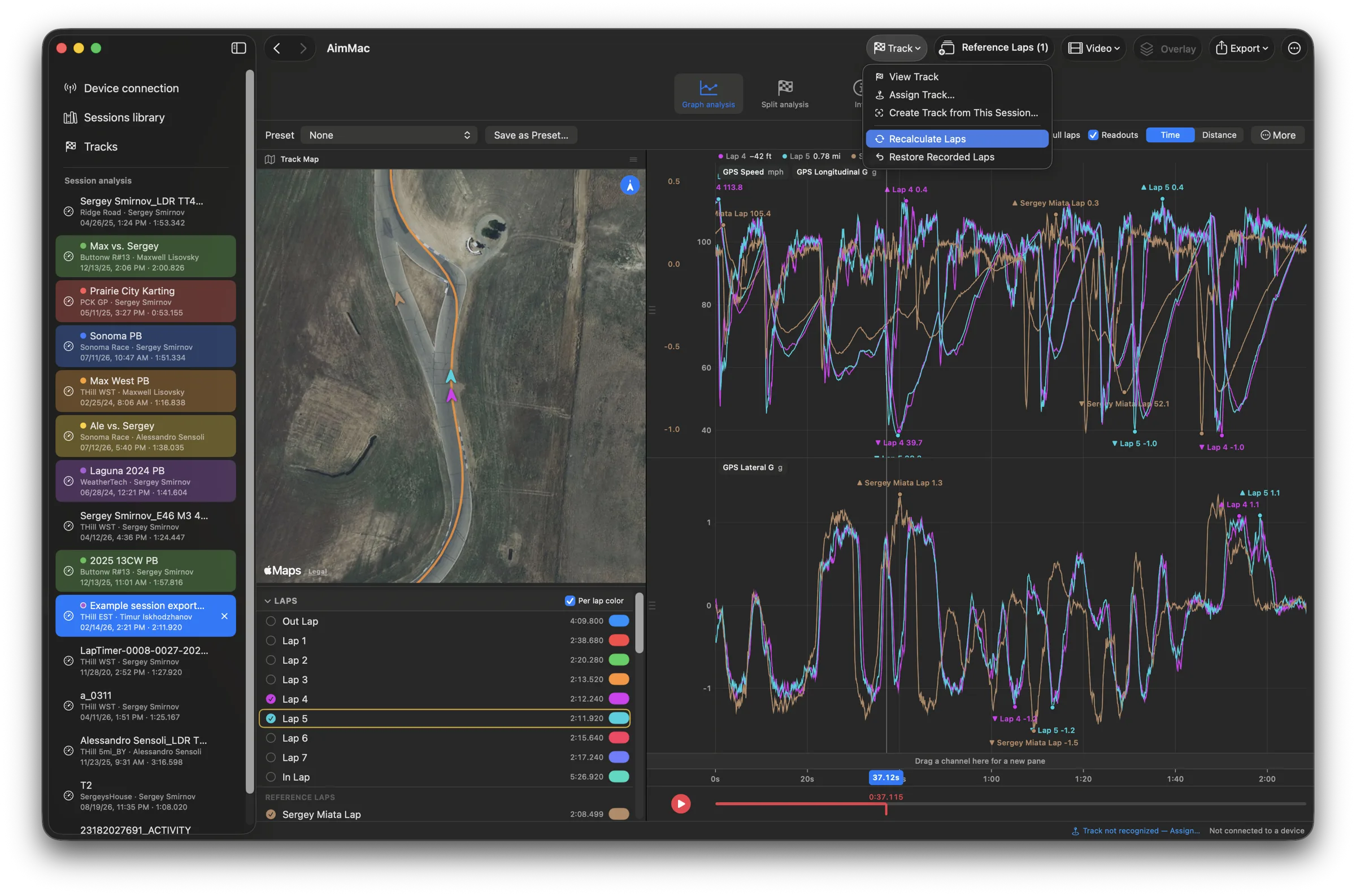
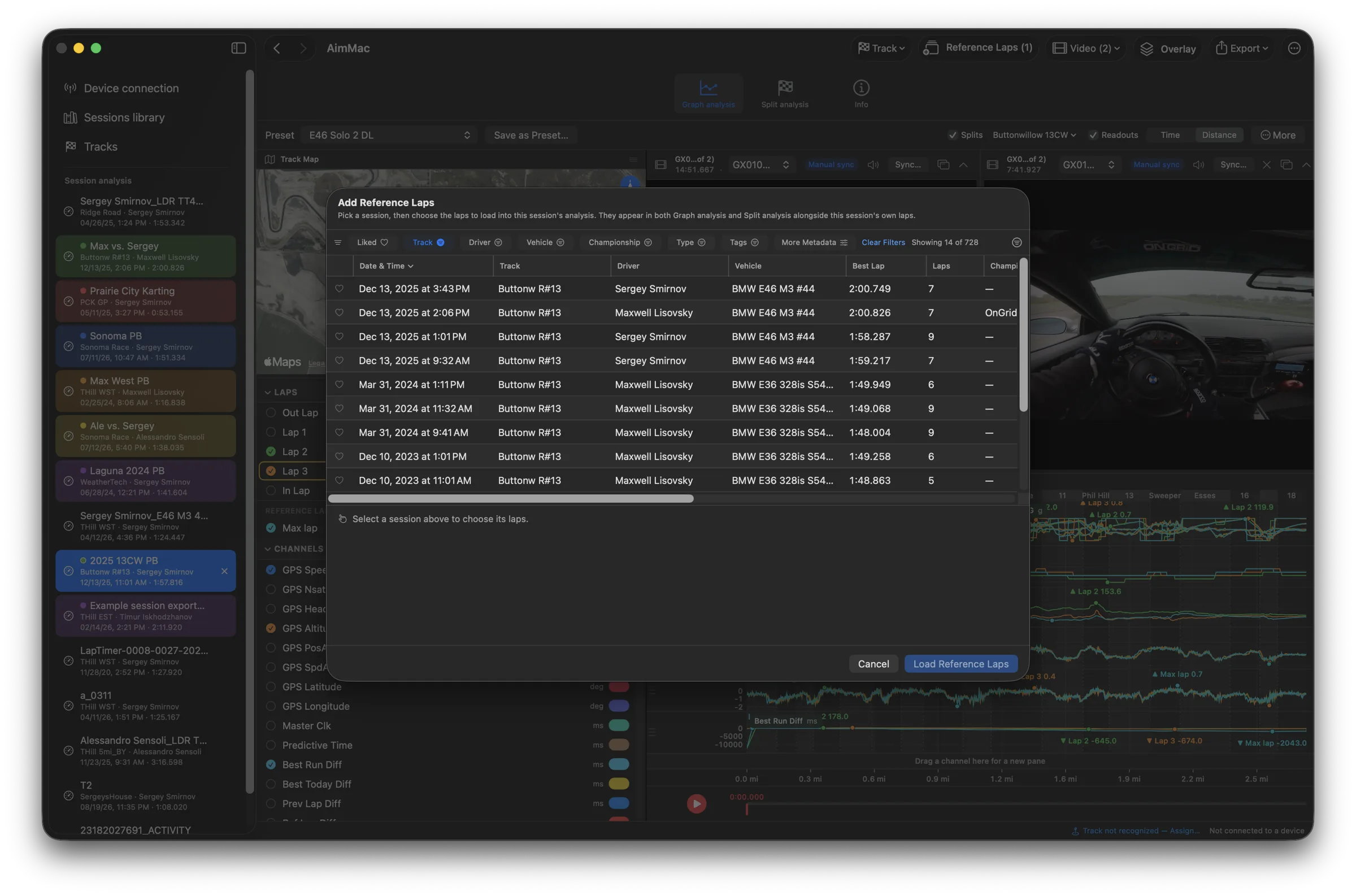
Overlay any channel, across any laps.

Each lap in its own color, one crosshair reading them all, and a satellite map that chases your cursor through the data. Save a layout as a preset and reuse it everywhere.

Graph analysis overlaying a lap against two reference laps across speed, RPM, coolant temperature, and acceleration, beside a satellite chase-cam map
Sectors & reference laps

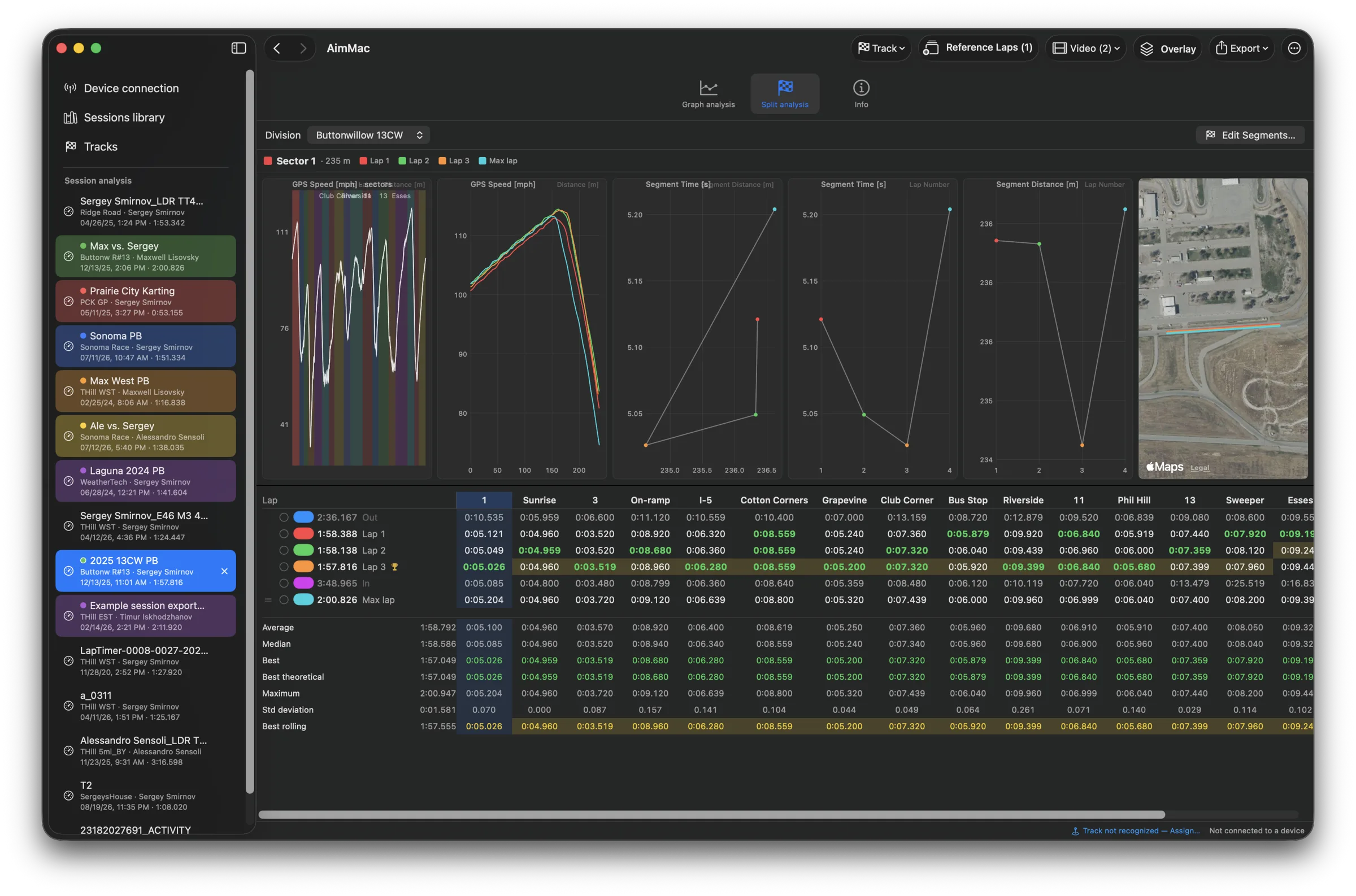
Which corner cost you.

Split any lap into sectors for times, deltas, and a best-theoretical lap — and pull in a lap from any other session, car, or logger to compare against.

Split analysis with named sector columns across laps and reference laps, a best-theoretical row, segment-time charts, and a map of the selected sector
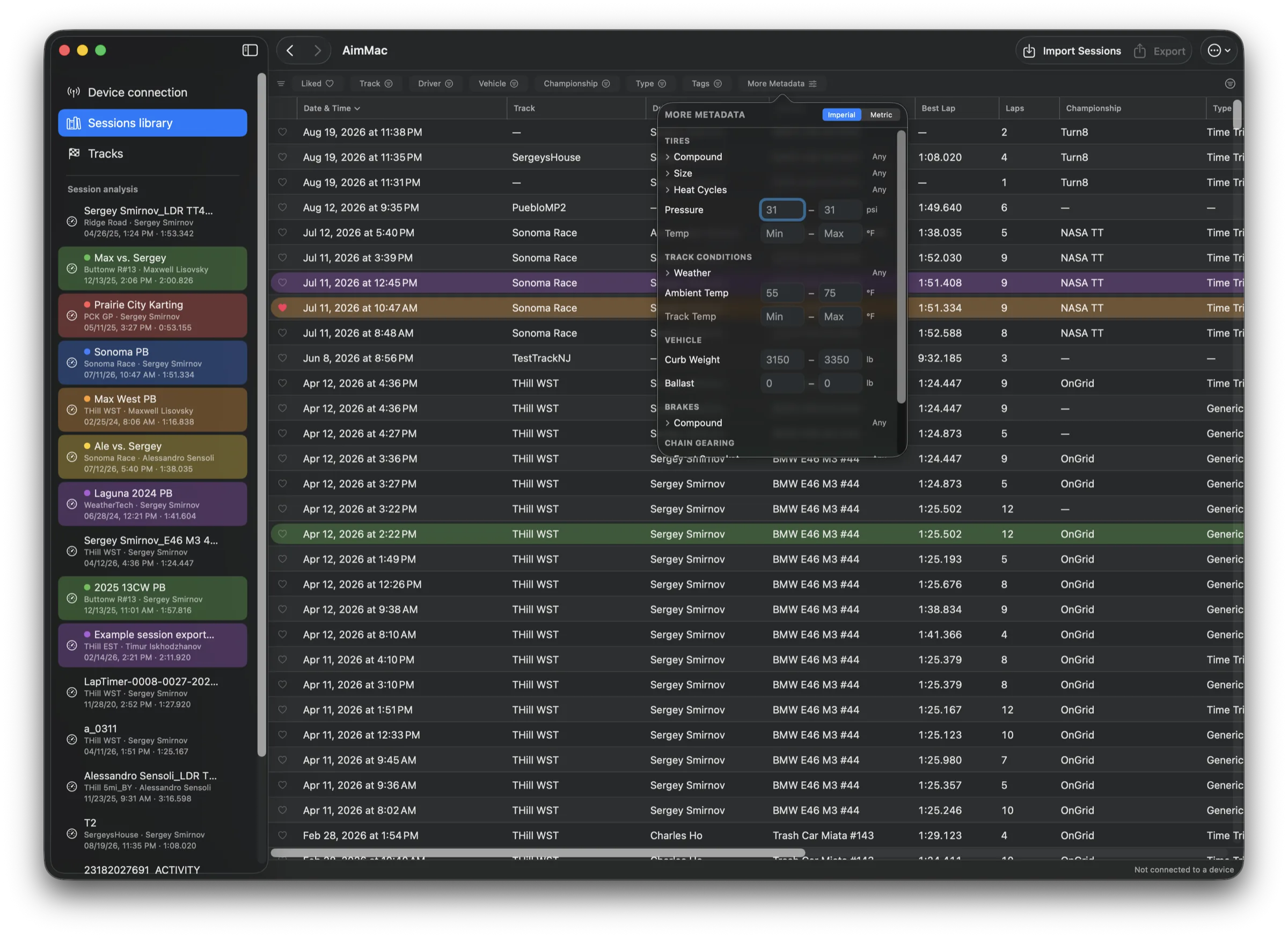
Library

Every session you've ever run.

Sort, filter, favorite, and color-label in a fast Finder-style table — down to tire compound, pressures, gearing, or track temperature. Bulk-edit, bulk-export, merge duplicates.

Sessions library table sorted by date with track, driver, vehicle, best lap, laps, championship, type, and color-labeled rows, beside a sidebar of open session tabs
Your device

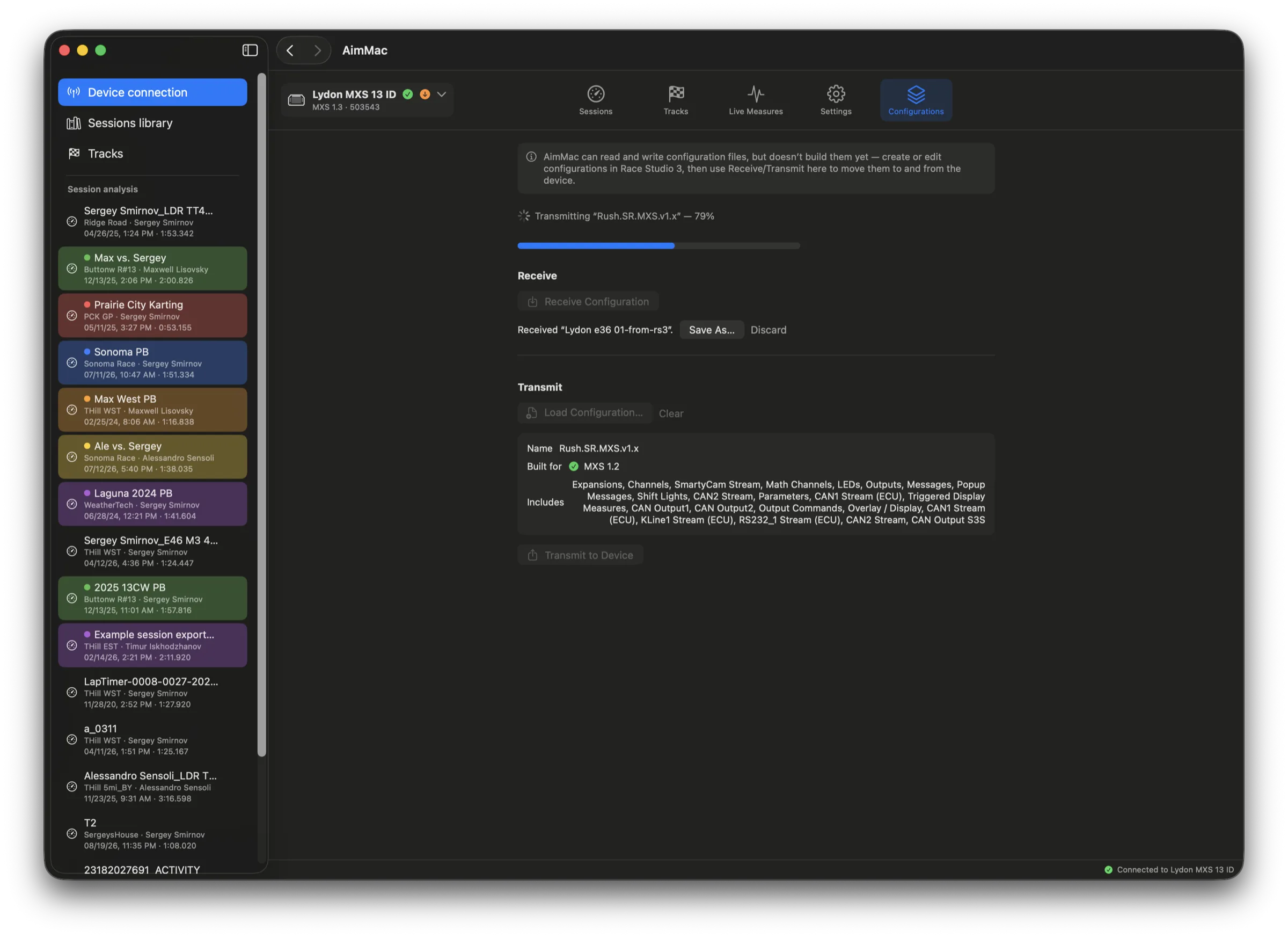
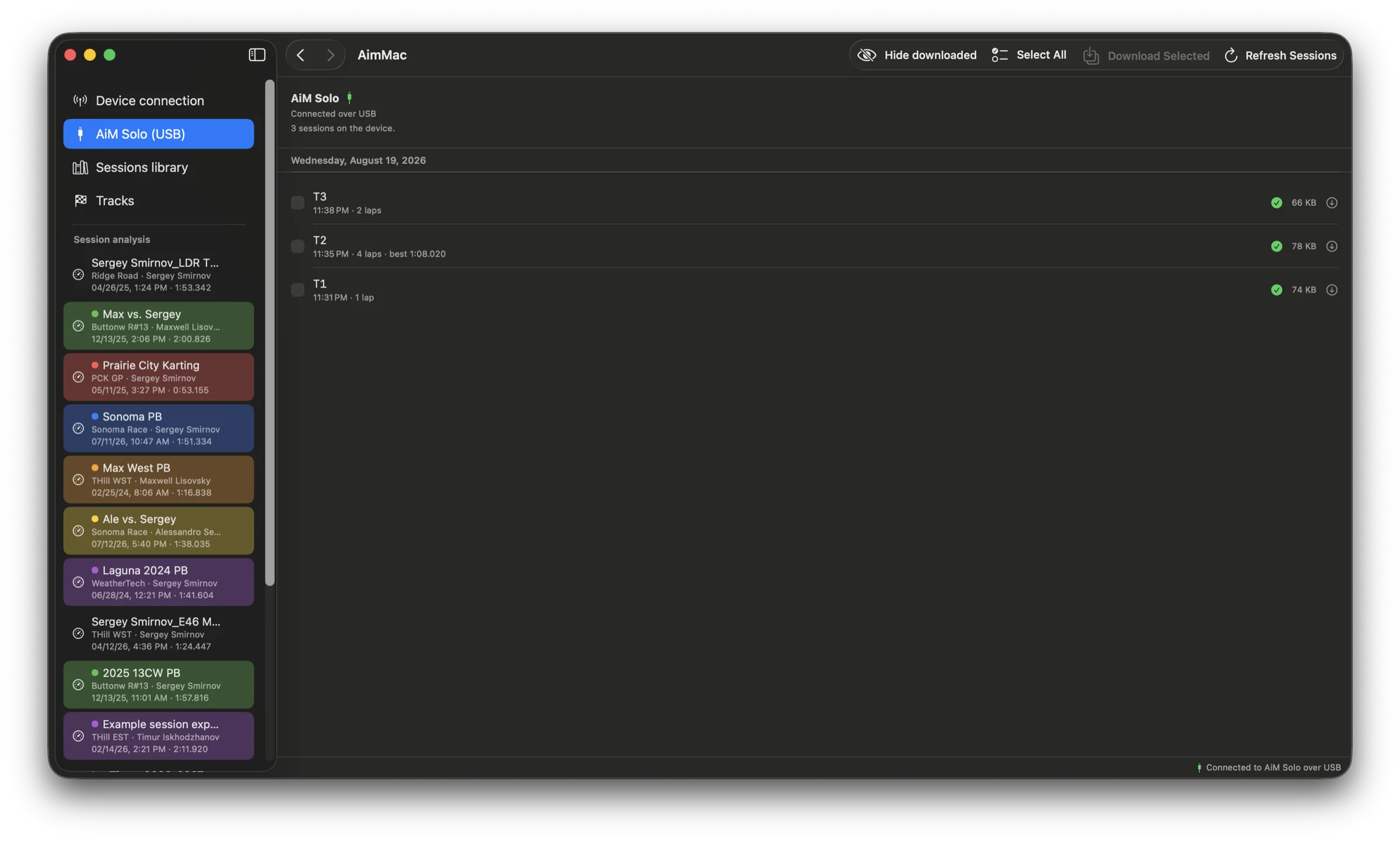
Straight off the logger, over WiFi.

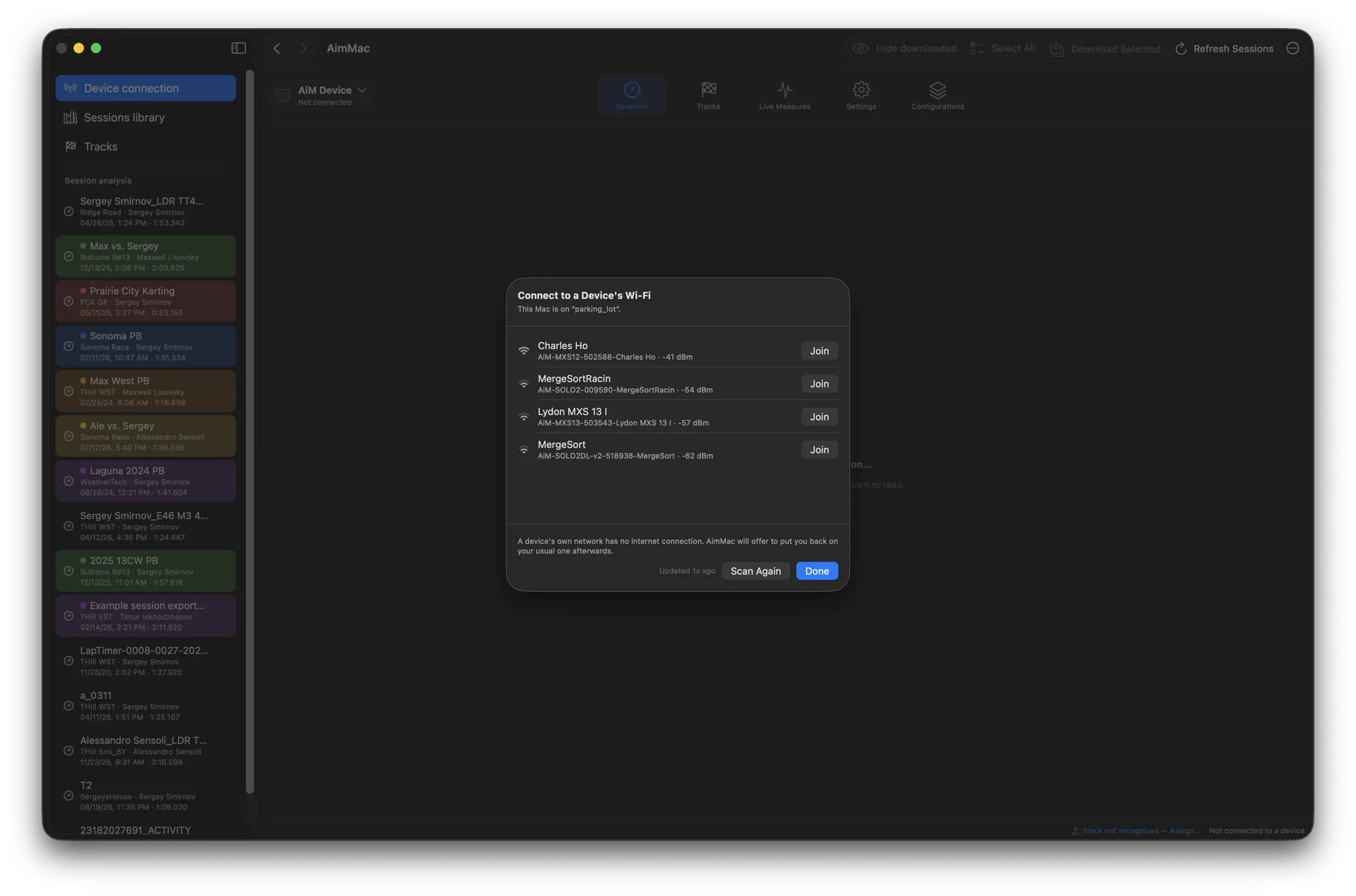
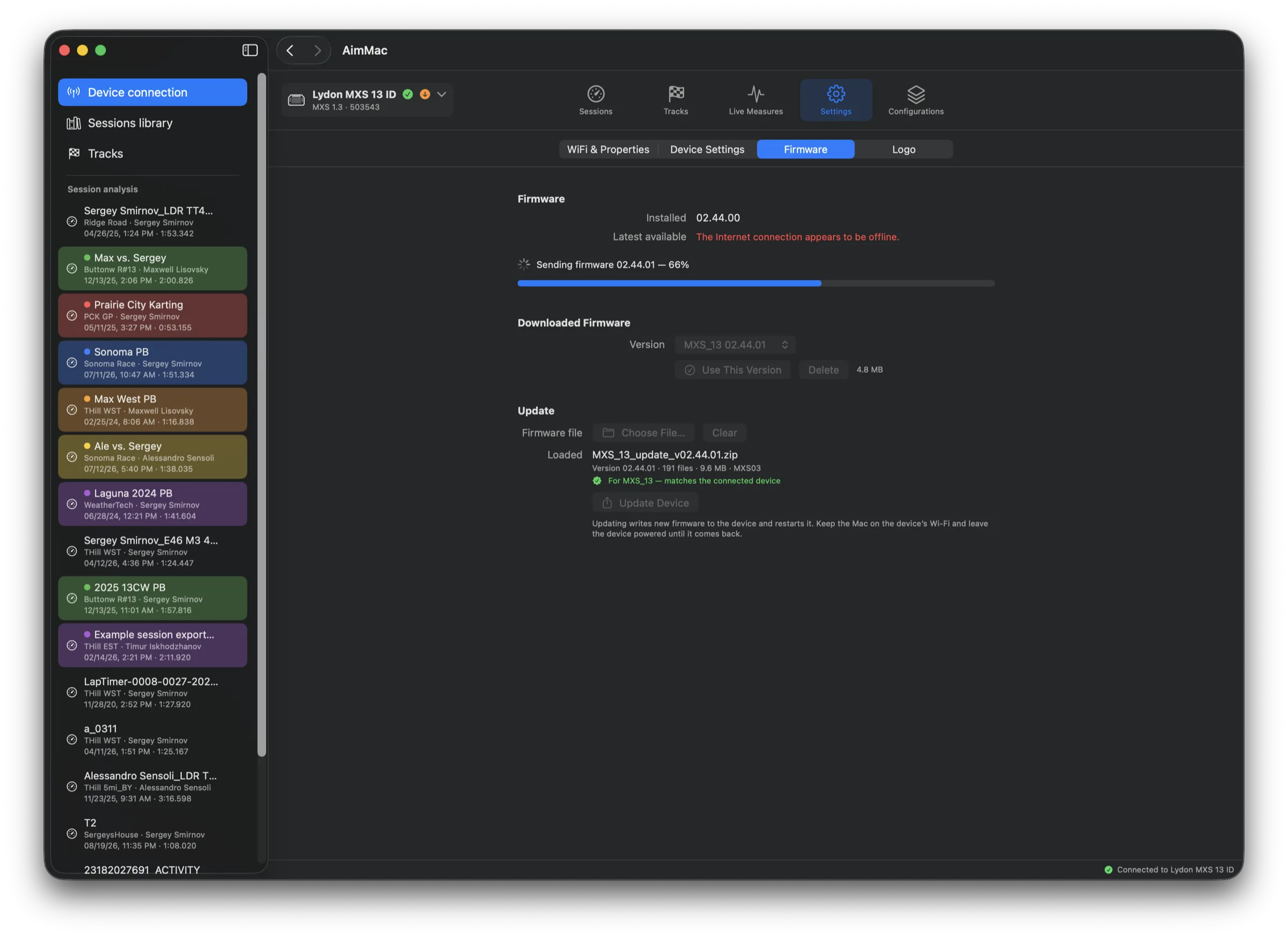
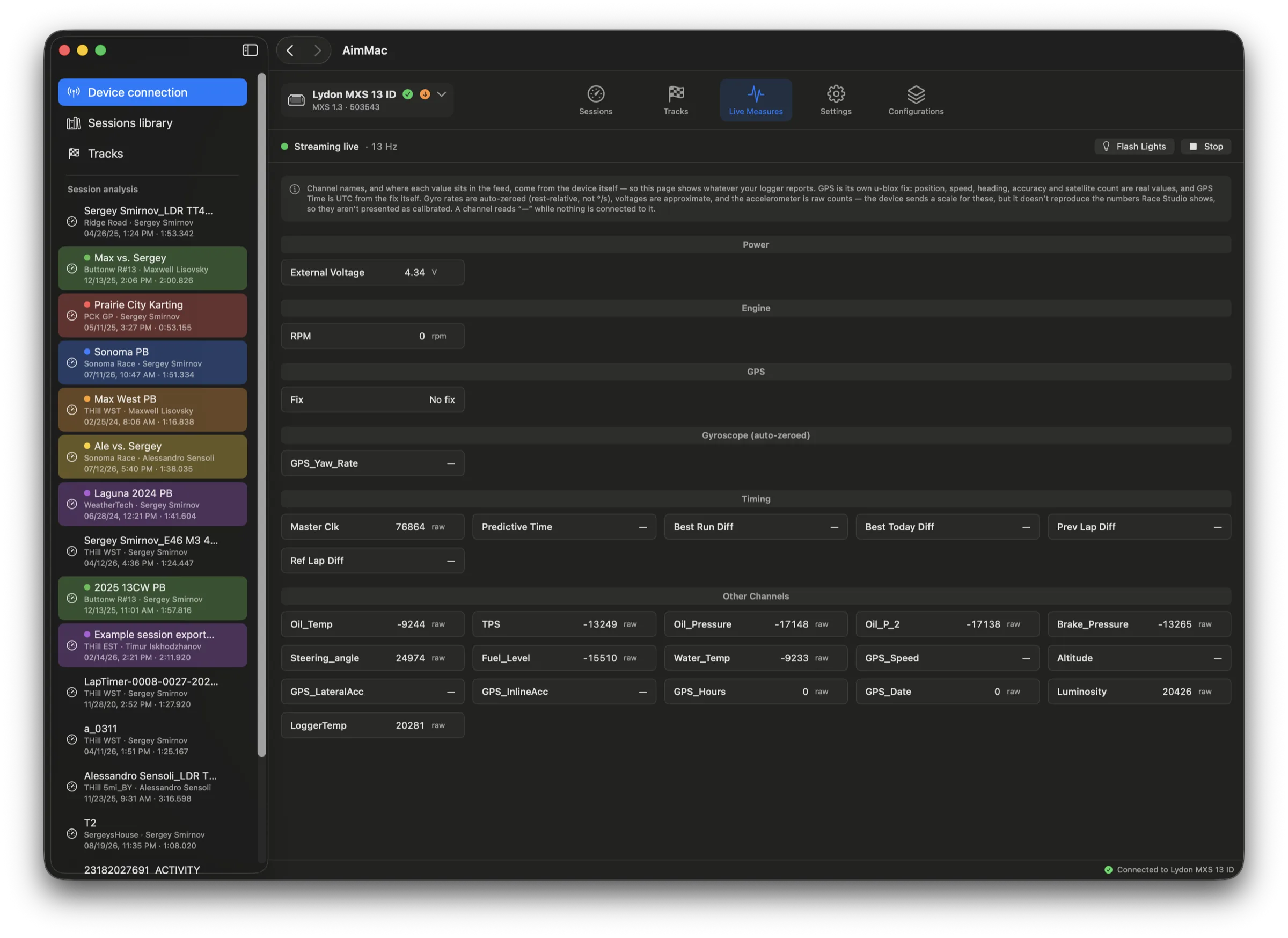
Join the AiM's network and AimMac finds it on its own. Sessions arrive grouped by day and track, with anything you already have flagged — plus device settings, live channels, and track updates.

Device connection view listing sessions by day with lap counts and best laps, with the device picker open showing automatic detection and a scan option
Switching over

Bring your RaceStudio history with you.

Point AimMac at a copy of your RaceStudio 3 "user" folder and it reads RaceStudio's own database — every session, plus driver, vehicle, championship, comments, and favorites — with your choice of what to do about sessions you already have.

Migrate from RaceStudio dialog over the sessions library, with a folder picker showing the copied RaceStudio 3 user folder and options to skip, backfill, or overwrite sessions already in the library

Turn the lap into a video.

Link cabin, helmet, and chase footage once — AimMac lines each one up against the session by itself — then compose gauges over it and render. No round trip through an editor.

Overlay Studio

Real gauges, from your own data.

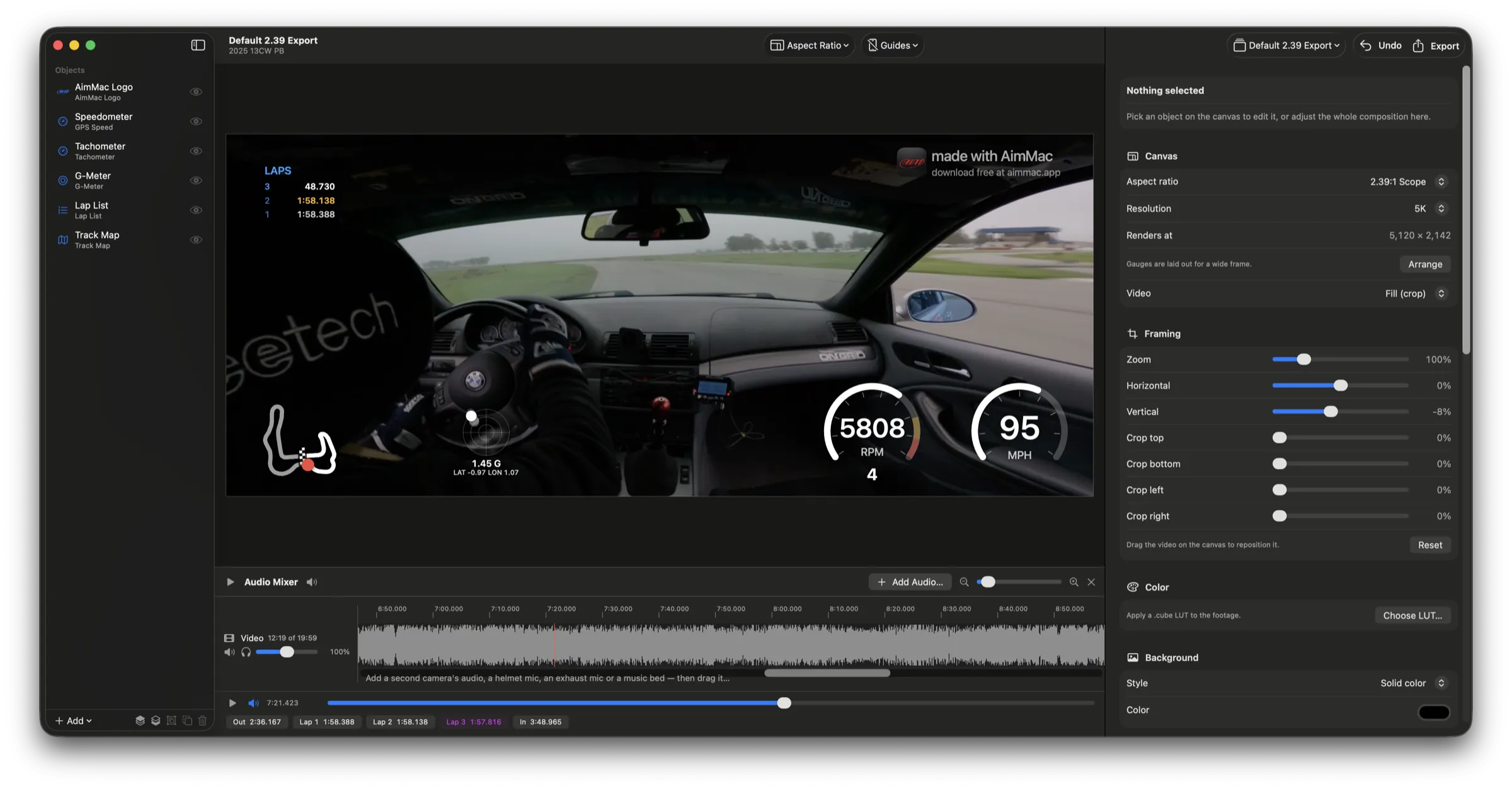
Speedo, tach, G-meter, track map, lap times and more, laid out however you like and driven by the session itself. Gear and G-force get worked out even when nothing logged them.

Overlay Studio composing a 2.39:1 scope render: in-car footage with a speedometer, tachometer, G-meter, track map, and lap list, beside canvas and framing controls
Vertical

Built for the feed, too.

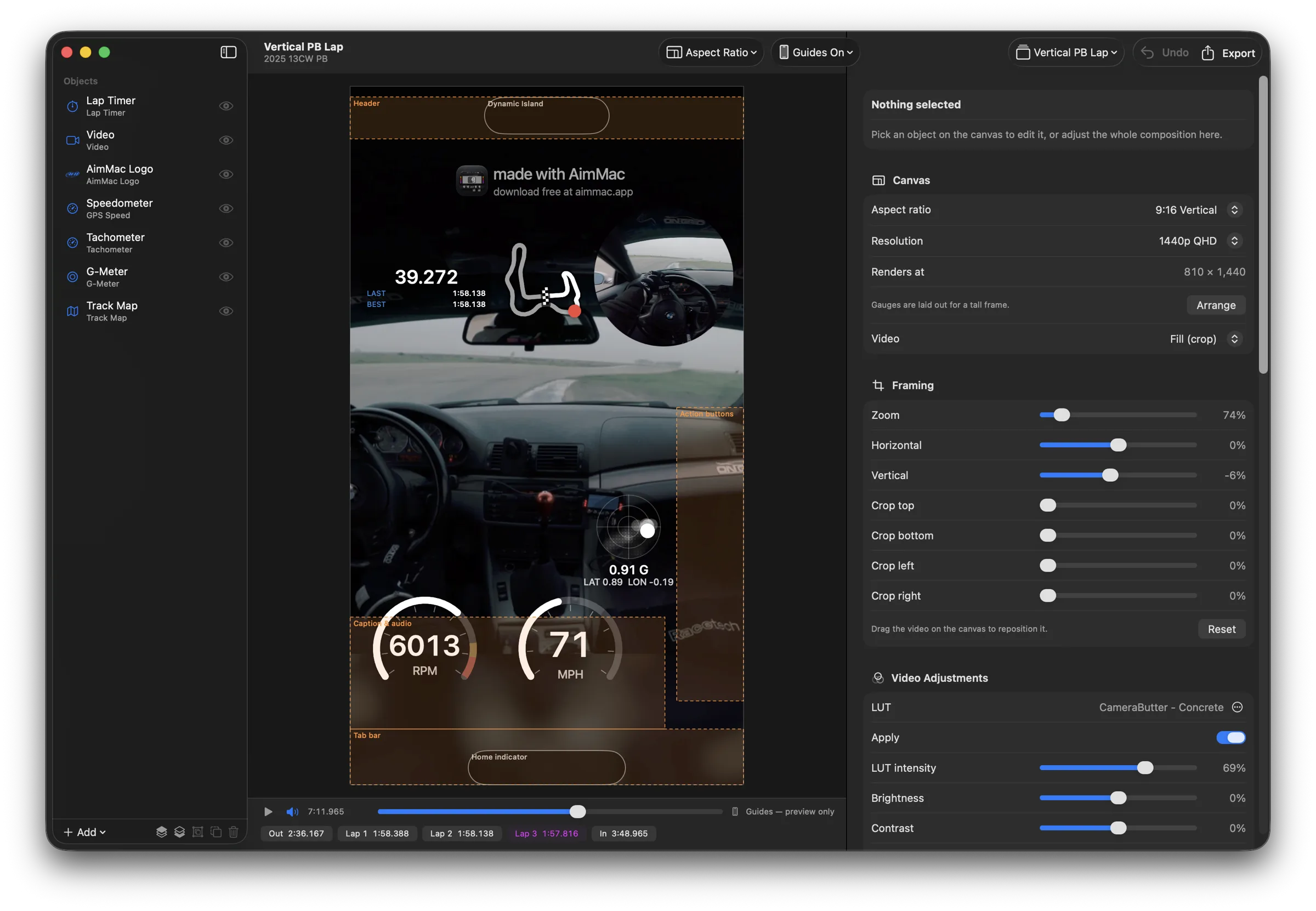
Compose 9:16 with guides showing where a phone's hardware and TikTok's or Reels' own buttons will land. Mix in a helmet mic or a second camera's audio, then render at up to 5K.

Overlay Studio composing a 9:16 vertical render with safe-area guides for a phone's Dynamic Island and app UI, and an audio mixer showing two waveform lanes

And everything else.

📥

Import from anywhere

.xrk and .xrz, plus RaceStudio 2 (.drk), VBOX, RaceChrono, Dragy, and CSV — including APEX Pro and any layout you map yourself.

🏁

Track database

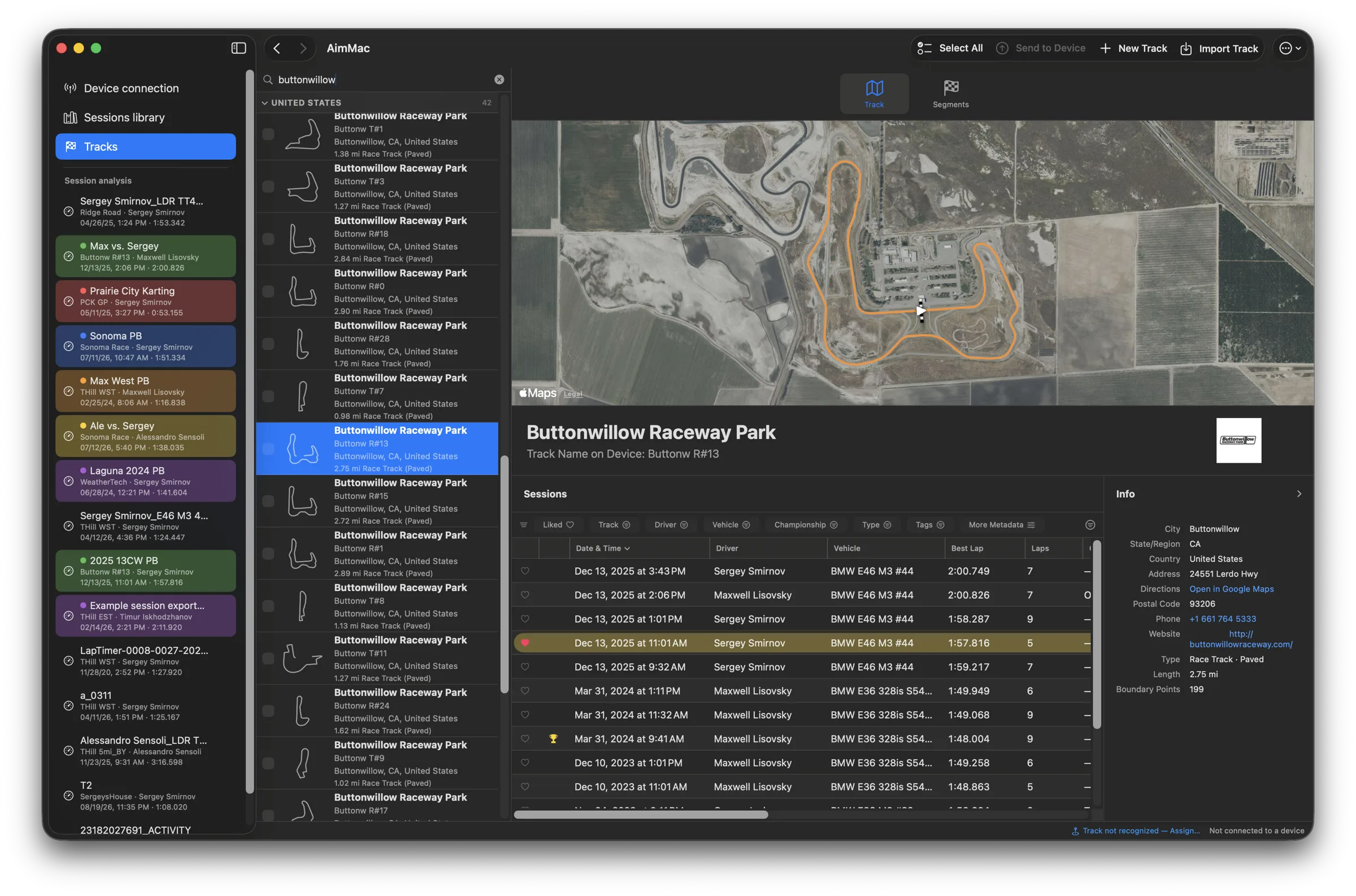
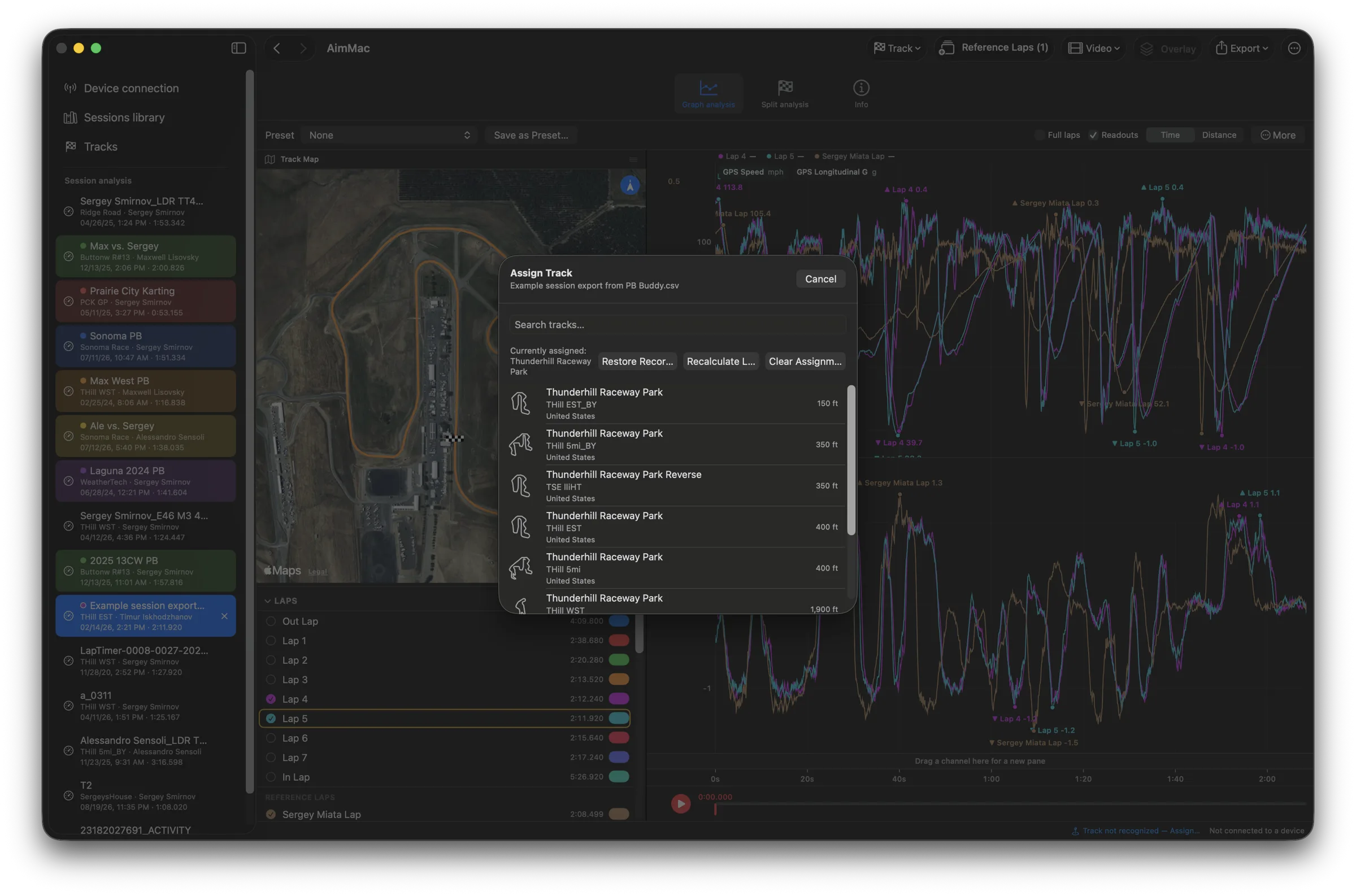
Search AiM's full track list with satellite previews, and update the tracks on your device when they're out of date.

✂️

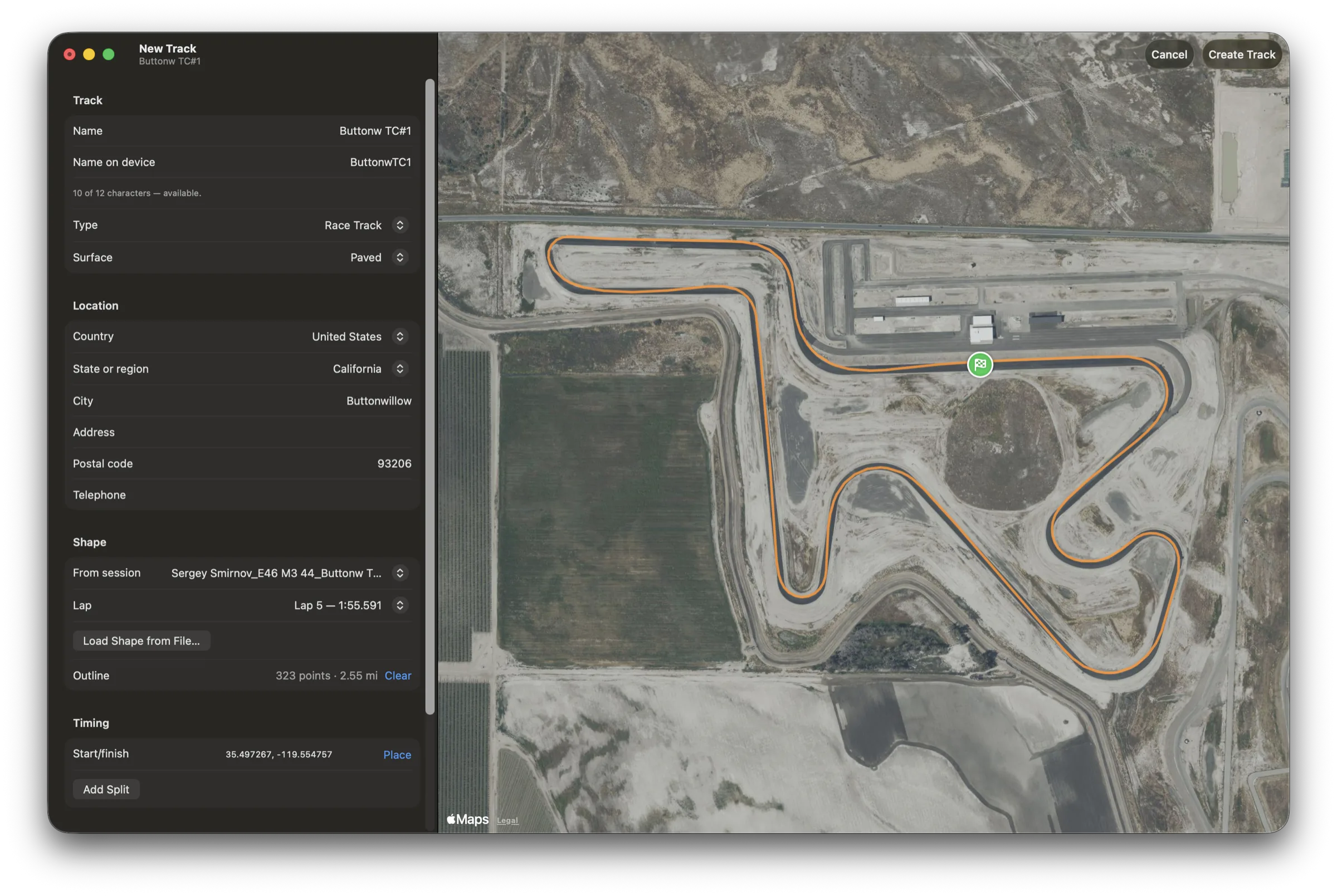
Draw your own sectors

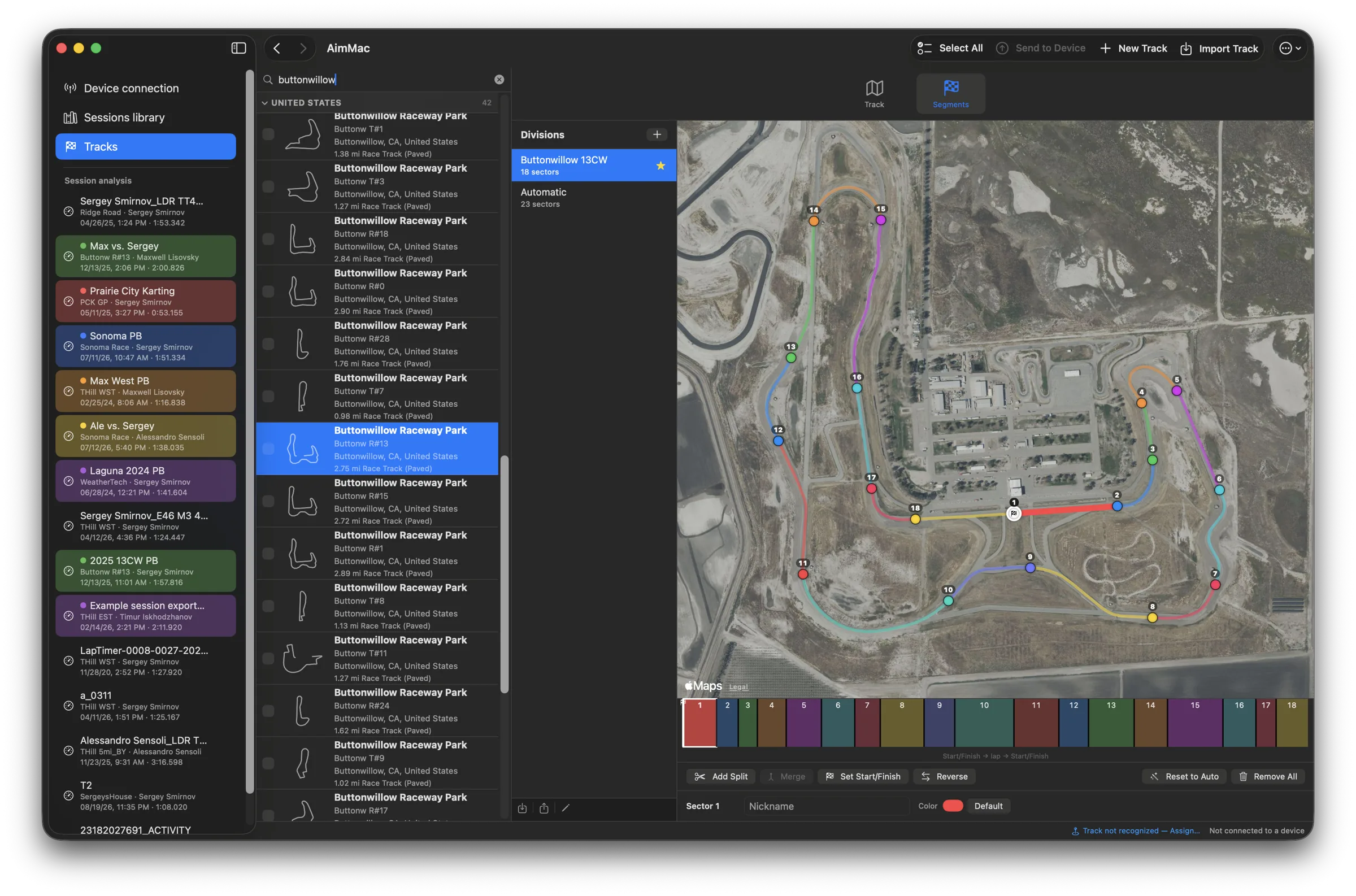
Split a track into named sectors on the map, save as many divisions as you like, and import or export RaceStudio's.

🏷️

Tags and setup notes

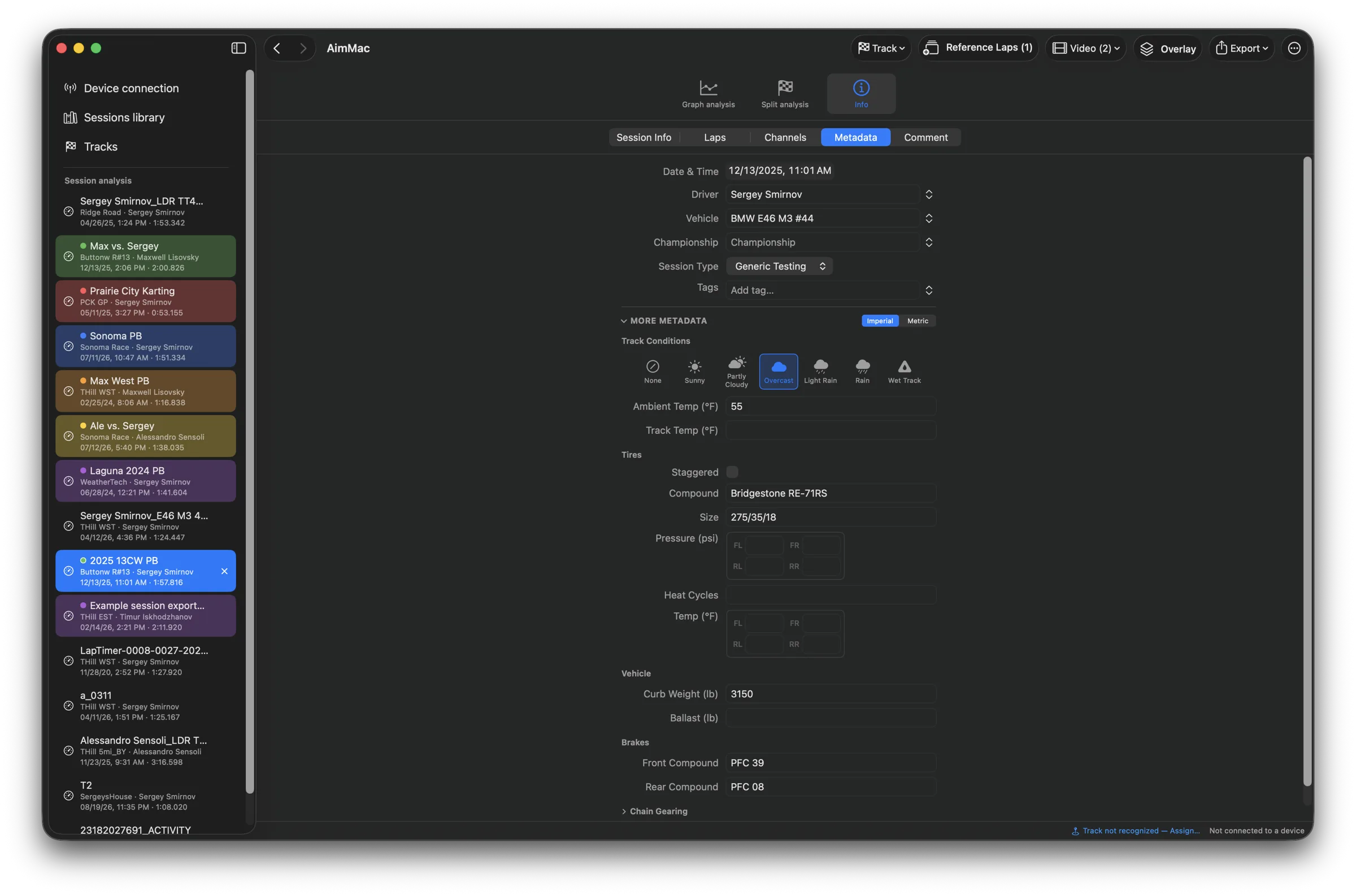
Driver, vehicle, championship, weather, tires, brakes, gearing, weight — captured on download and filterable later.

🪟

Tabs and windows

Open as many sessions as you like, rename and color-label them, and drag any tab out into its own window.

🎥

Multiple cameras

Link as many recordings as you shot. Each keeps its own sync, and each brings its audio into the mix.

💾

Presets

Save a graph layout or an overlay design once and reuse it on every session — or share it with someone else.

📤

CSV export

Race Studio-compatible, with your choice of channels, laps, sample rate, and units — one session or a whole selection.

Requirements

Ready when you are.

Signed and notarized — download, drag to Applications, go racing.

Download AimMac 1.4.1 73 MB disk image · Apple silicon & Intel

Changelog

Loading…